Standard Model Trial
Get fantastic results for social media posts, creative hobbies, and school projects with our standard model. New users receive trial credits to get started.
Sketch To is a 100+ AI image tools studio — start with our flagship bidirectional sketch ↔ image converter, or browse all tools across portrait styling, photo editor, generator and enhancer.
Standard model 1 credit per run; upgrade to Professional models (Nano Banana Pro, Seedream, Flux Kontext) for top-tier detail and realism.
🎁 Trial credits on signup. Credit pack — no subscription, no auto-renewal.
🎁 Free Trial Credits for New Users
from 99+ happy users
Upload an image file to get started with your AI conversion
View your AI-transformed result and compare with the original
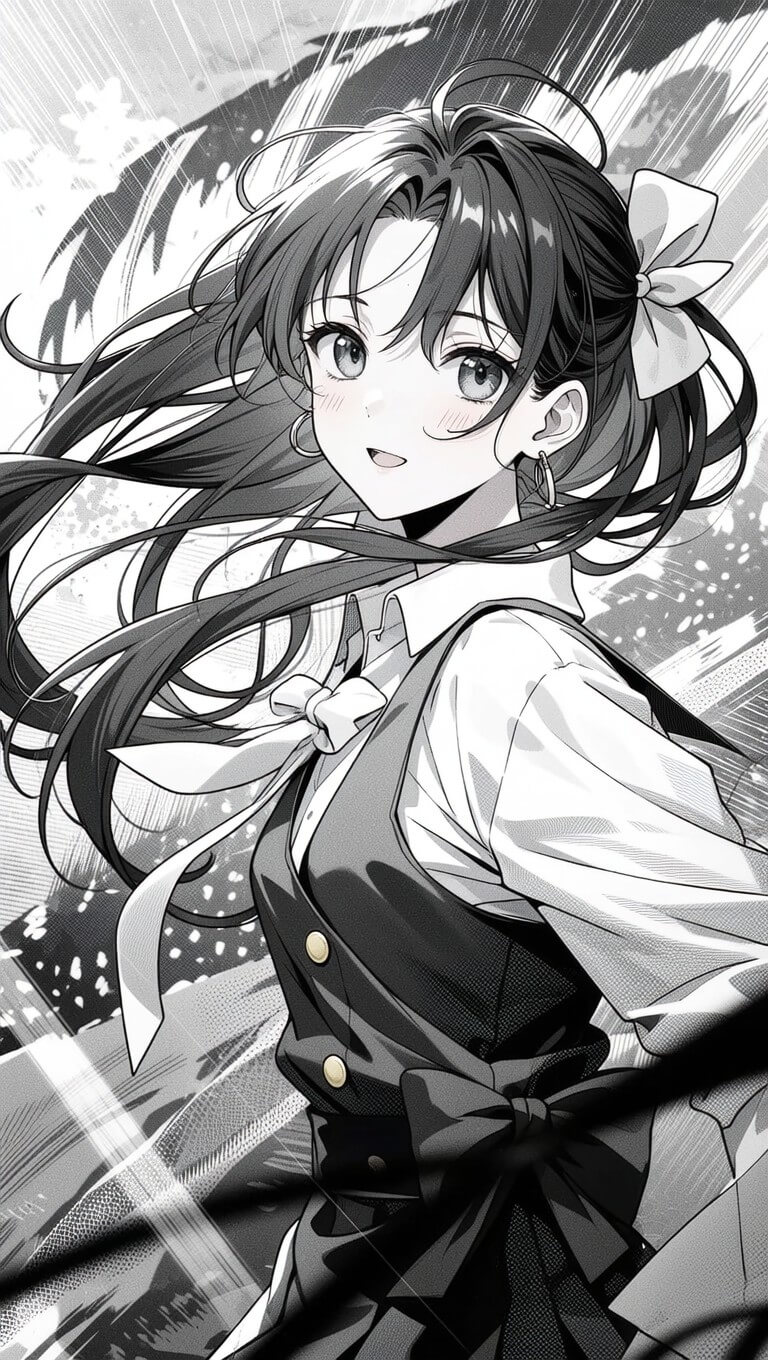
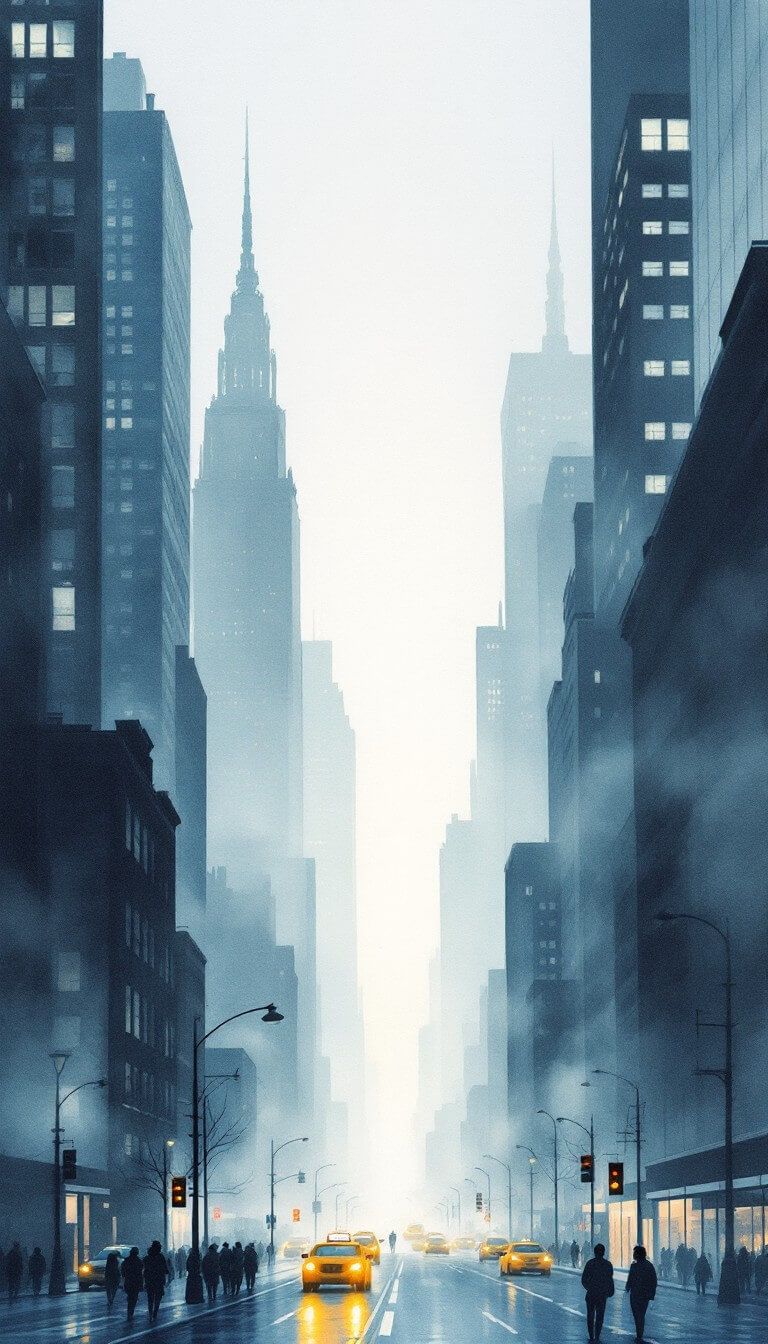
Introduce
Sketch To is a powerful AI tool that converts images to sketches and sketches to images. Built with advanced AI technology for both free and professional use.
Get fantastic results for social media posts, creative hobbies, and school projects with our standard model. New users receive trial credits to get started.
Unlock world-class realism and detail with our advanced Pro model for commercial use and professional projects.
Convert your images or sketches instantly with our powerful AI processing engine.
Benefits
Whether you're a hobbyist or professional, we have the perfect AI model for your creative needs.
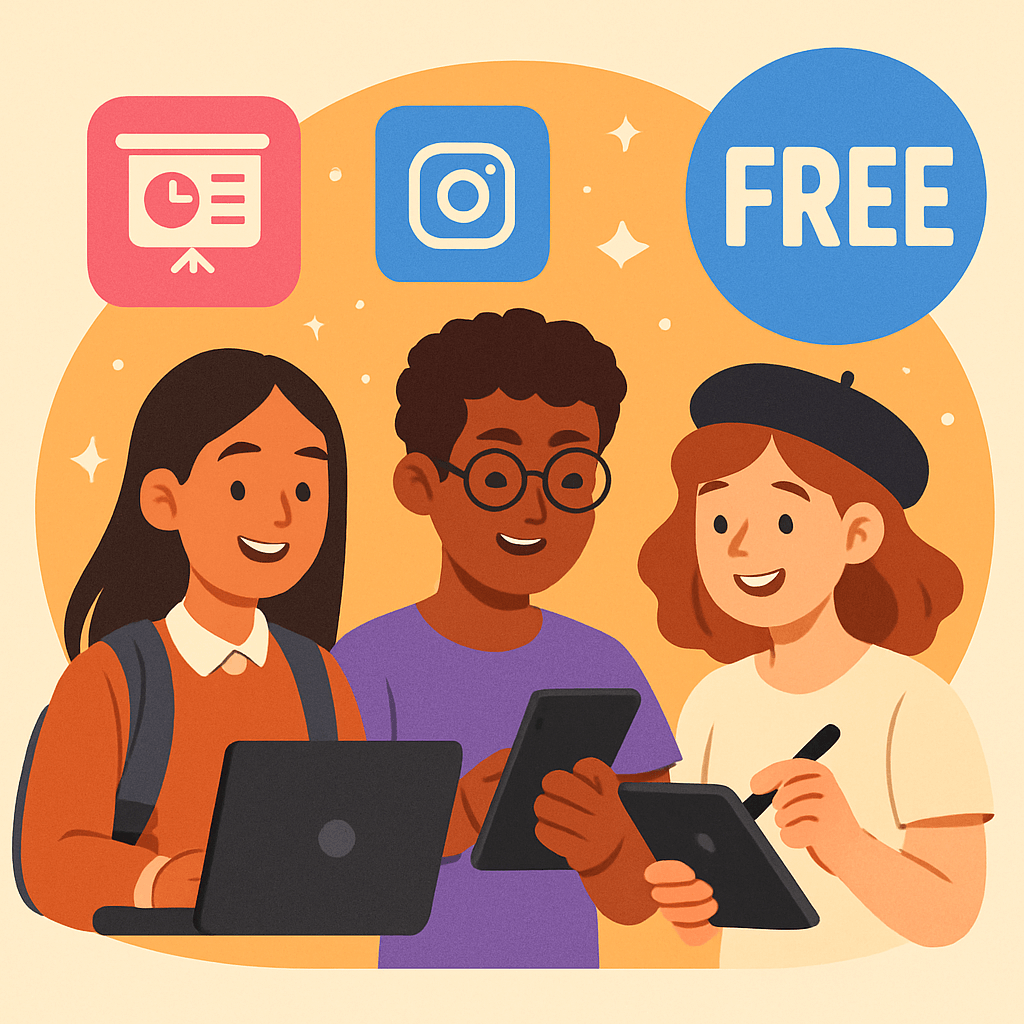
Get fantastic results for social media posts, creative hobbies, and school projects. Our standard model is a powerful photo to pencil sketch tool that delivers clean, artistic conversions. New users get trial credits to explore the features.
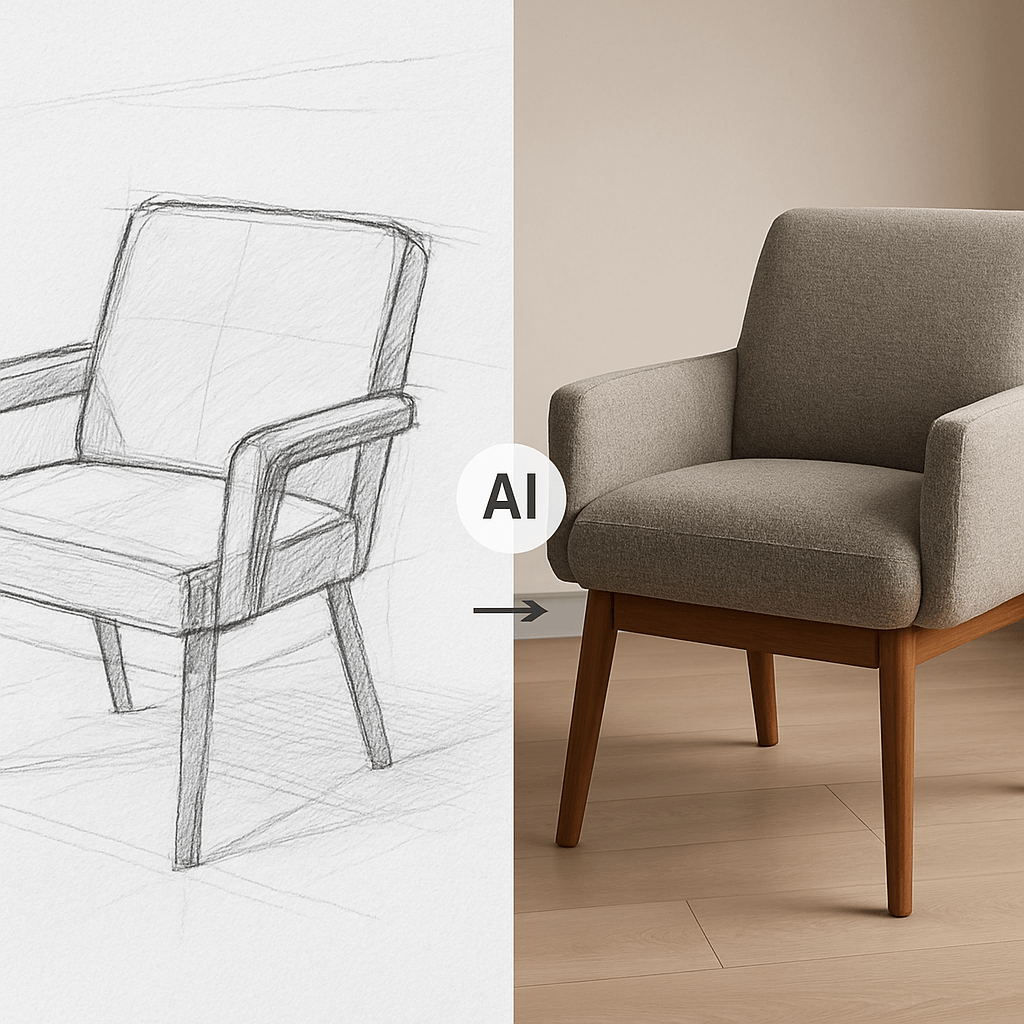
For artists, designers, and commercial use, our Pro model is a game-changer. It uses a more advanced neural network to produce incredible detail, turning a sketch to realistic image ai with stunning accuracy.
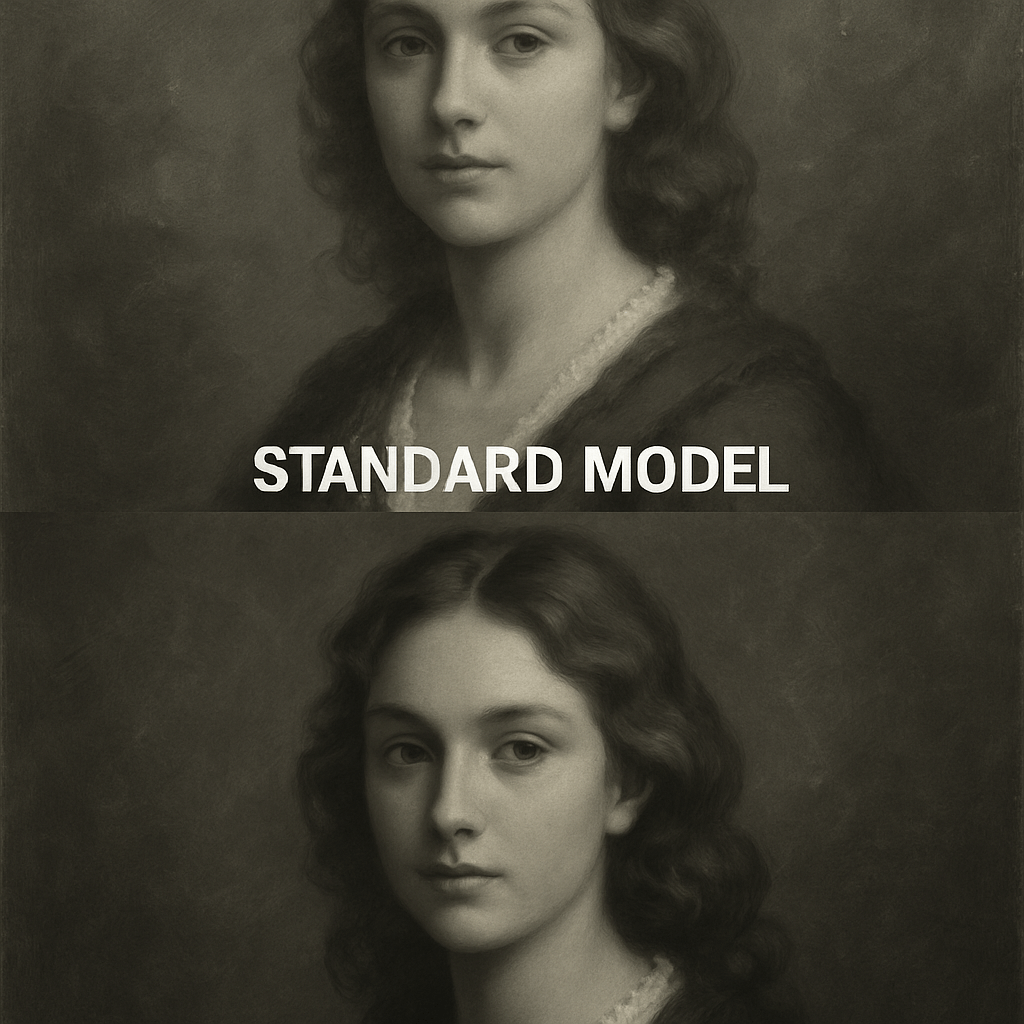
Artists love using our image to sketch tool to create perfect outlines from reference photos in seconds, saving hours of prep time. Start with trial credits and upgrade as needed.
Transform your images or sketches with our easy-to-use AI converter:
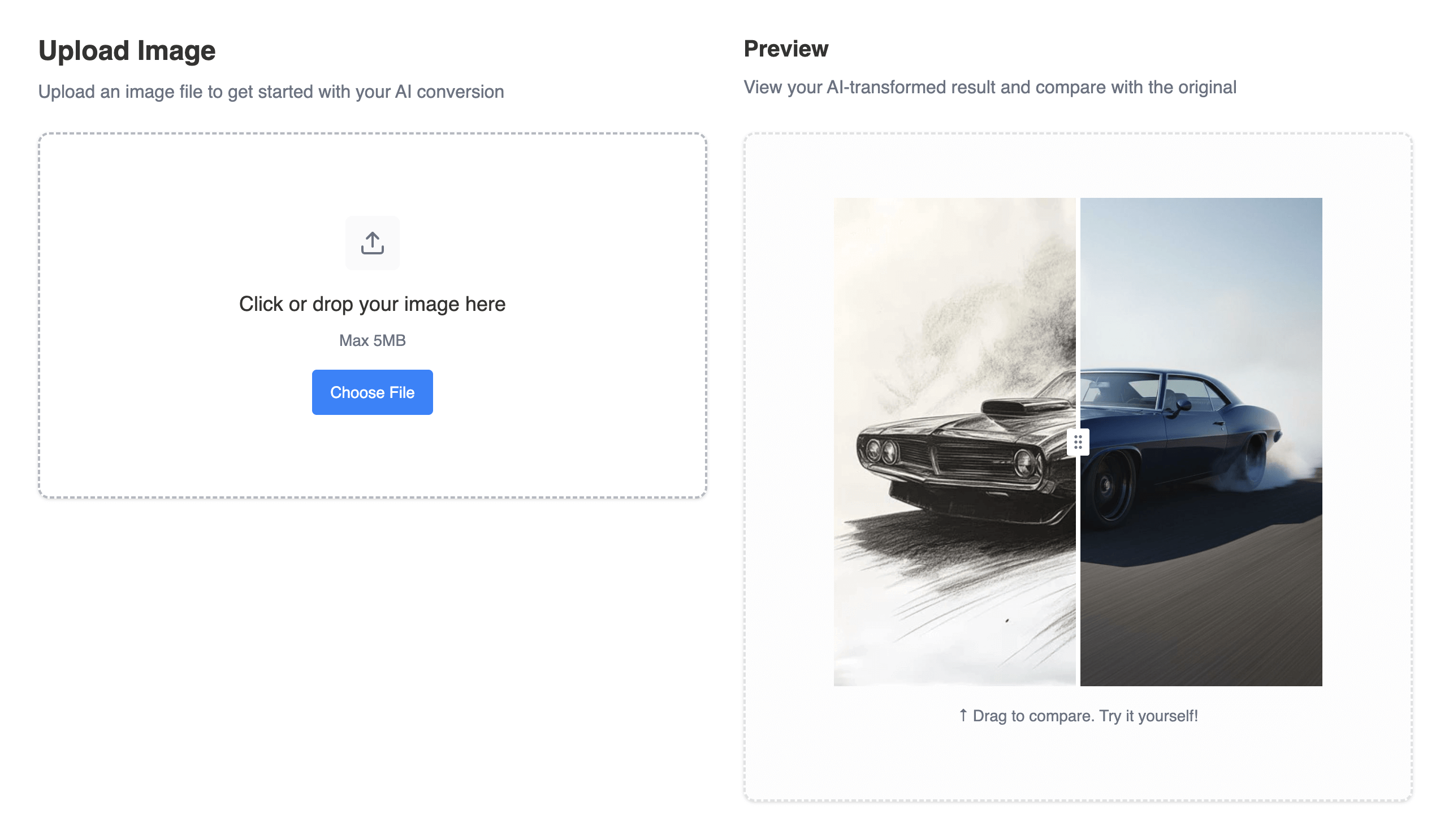
Drag and drop your photo or sketch file onto the canvas. Support for multiple image formats.
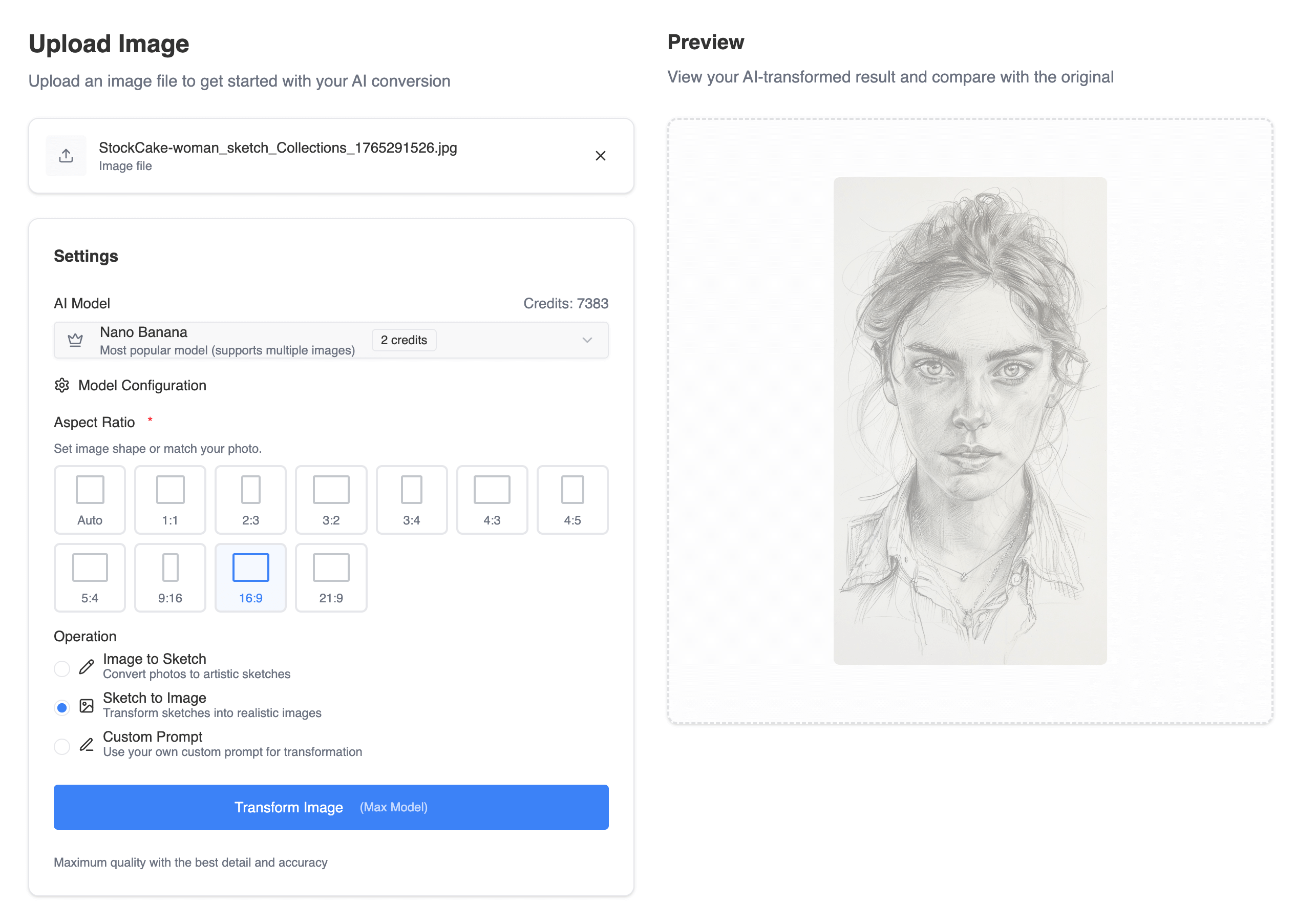
Select your desired artistic style. Our Standard Model is selected by default and uses 1 credit per conversion. For ultimate quality, simply select our Professional Model.
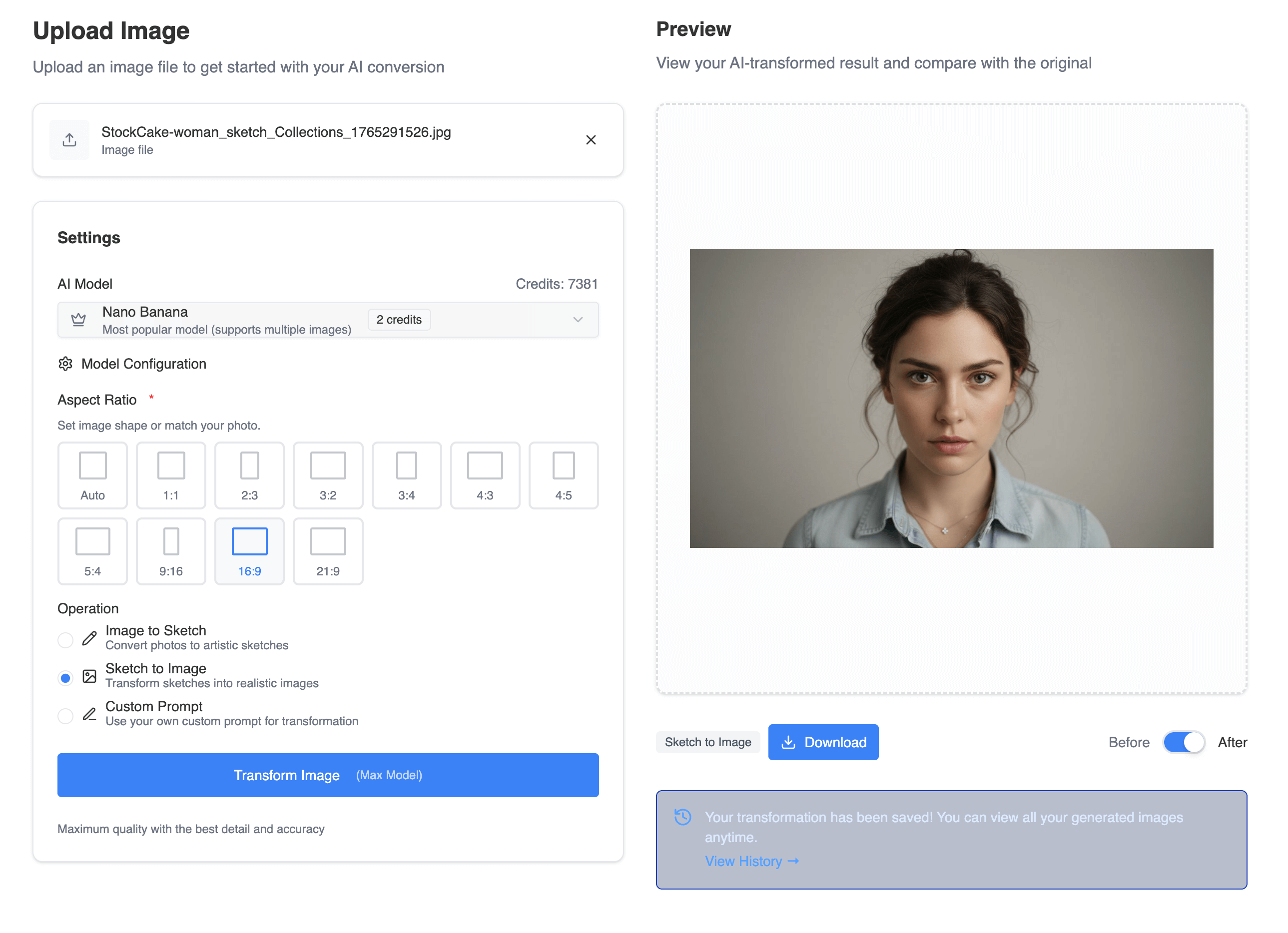
Click 'Generate'. Our online image to sketch converter will process your request instantly. Preview the result and download your new creation in high resolution.
Everything you need for professional image to sketch and sketch to image conversion.
Convert photos to beautiful pencil sketches with our advanced AI technology. Perfect for artists and designers.
Transform your sketches into realistic images with incredible detail and accuracy using our Pro model.
Our standard model comes with trial credits for new users. Perfect for personal use and hobbyists to get started.
Upgrade to our Pro model for commercial use with superior detail, texture, and realism.
Get your results in seconds with our powerful cloud-based AI processing infrastructure.
Download your creations in high resolution suitable for print and professional use.
Stats
for it's easy to use and powerful results.
Creators
Conversions
Out of 5
Testimonial
Hear from artists, designers, and creators who use Sketch To for their projects.
The image to sketch tool is amazing! I use it all the time for my blog posts. It's fast, easy, and the quality is fantastic. The trial credits helped me get started.
I upgraded to the Pro model for my design work, and the difference is night and day. The sketch to realistic image ai feature is unbelievably powerful and worth every penny.
As a student, finding a quality online image to sketch converter is a lifesaver. Sketch To's standard model with trial credits is powerful enough for all my coursework and projects.
The Pro model delivers incredible detail and realism. I use it for client projects and the results are always stunning. Best investment for my design business.
Sketch To has revolutionized my content creation process. The standard model is perfect for social media, and the Pro model delivers professional-quality results.
I love how easy it is to convert my photos to artistic sketches. The quality is consistent and the processing is lightning fast.
FAQ
Have another question? Contact us for support.
Our Standard model is perfect for general use, offering high-quality conversions for hobbies and drafts. New users receive trial credits to get started. The Professional model uses a more advanced AI, providing superior detail, texture, and realism, ideal for commercial projects and artists who need the absolute best quality.
Our Standard model uses 1 credit per conversion, and new users receive trial credits to get started. For the Professional model, we use a flexible credit system. You can purchase credits as you go, so you only pay for the high-power conversions you need. No subscriptions required.
For both models, using a clear, well-lit, high-resolution photo will produce the best results. Photos with strong contrast and clear subjects tend to create the most detailed sketches.
Sketch To supports all major image formats including JPG, PNG, WEBP, and more. You can upload images up to 10MB in size for processing.
Yes! Our Professional model is specifically designed for commercial use with advanced AI technology that delivers industry-leading results perfect for client work and business projects.
Most conversions are completed within seconds. The exact time depends on the image size and complexity, but our cloud infrastructure ensures fast processing for all users.